
Nana Bet has gained popularity among players in Ethiopia thanks to a mobile app that puts sports betting and the online casino in one place. The Nana Bet Ethiopia app is currently available only for Android. There is no dedicated iPhone app, but iOS users have a workaround, covered below.
This page is an independent guide to the app: where the file comes from, how to install it, what it contains and what to do when something goes wrong. It is not the operator's own site.
Free · Android · 48.0 MB
Nana Bet app at a glance
The numbers below describe the current Android build.
| Parameter | Details |
|---|---|
| App name | Nana Bet |
| Version | 1.1.2 |
| File size | 48.0 MB |
| File type | APK (Android) |
| File name | nanabet.apk |
| Last update | 04/10/2026 |
| Price | Free |
| iOS | No app; mobile site or PWA |
How to install Nana Bet APK on Android
The app is distributed as an APK file rather than through a store listing, so Android asks for one extra permission. The whole process takes a couple of minutes.
Install the Nana Bet APK
Allow unknown sources
Open Settings on your phone, find Security (or Apps → Special access) and allow installs from unknown sources for your browser or file manager. On newer Android versions the prompt appears automatically when you open the file.
Download the file
Tap the Nana Bet APK download button. Your browser may warn that this type of file can be harmful; that is a standard message for any APK, so confirm the download.
Open the APK
Find nanabet.apk in the Downloads folder or the browser's download list and tap it.
Confirm the installation
Press Install and wait for the progress bar. Free space of at least 150 MB is a safe margin.
Log in or register
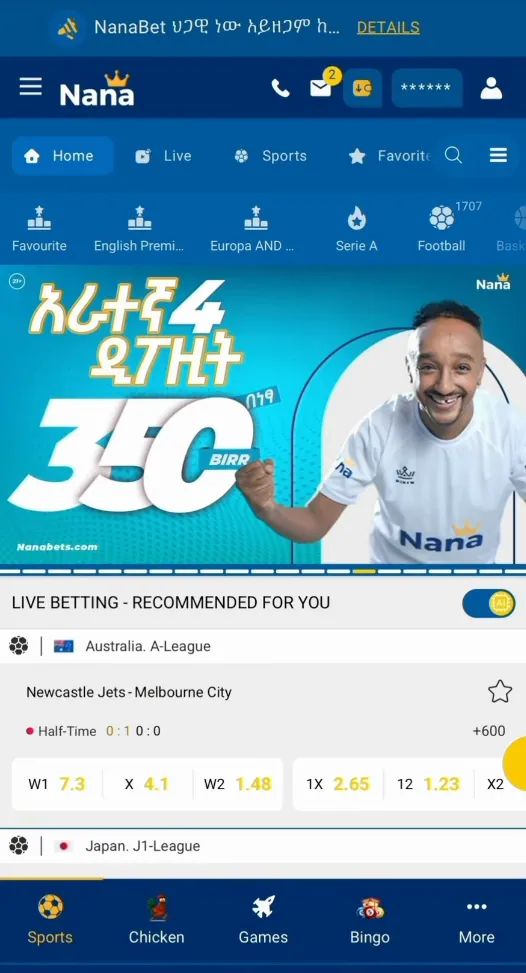
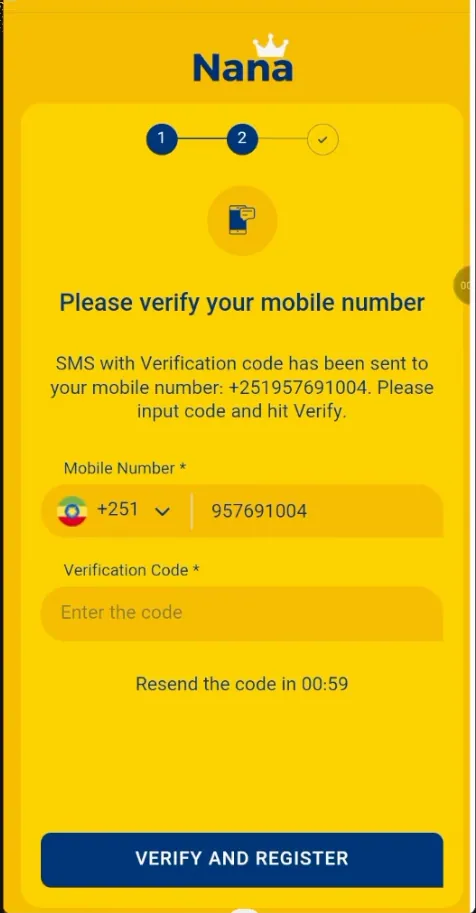
Launch the app from the home screen. New players can follow the registration guide; existing users sign in with their usual details.
Once the app is installed, switch the unknown-sources permission back off if you do not plan to install other APKs. Always download the file from the link on this page or from the operator's own site, never from a forwarded message or a random file-sharing link.
How to use Nana Bet on iOS
iPhone users cannot install an APK, and there is no separate iOS app. Two options remain: open the mobile version of the site in Safari, or turn the site into an icon on the home screen with a PWA shortcut.
Add Nana Bet to the iPhone home screen
Open the site in Safari
Go to the brand's site through the link on the home page. Other browsers on iOS may hide the needed option.
Tap the Share button
It is the square with an arrow at the bottom of the screen.
Choose Add to Home Screen
Scroll the menu down and tap Add to Home Screen.
Name the shortcut
Type Nana Bet and tap Add. The icon now sits among your apps and opens the site in full-screen mode.
The same trick works on Android through the browser menu (Add to Home screen) if you prefer not to install an APK.
Features inside the app
What the app offers
Live betting
In-play events with changing odds, the same markets as on the site.
Casino and games
Slots, table games and quick games open from the bottom menu.
Deposits and withdrawals
The cashier is inside the app. See the payments page for methods.
Notifications
Alerts about bonuses, results and account activity.
Biometric login
Fingerprint or face unlock may be offered once the account is verified.
Sports line
Football and other disciplines; read more on the sport page.
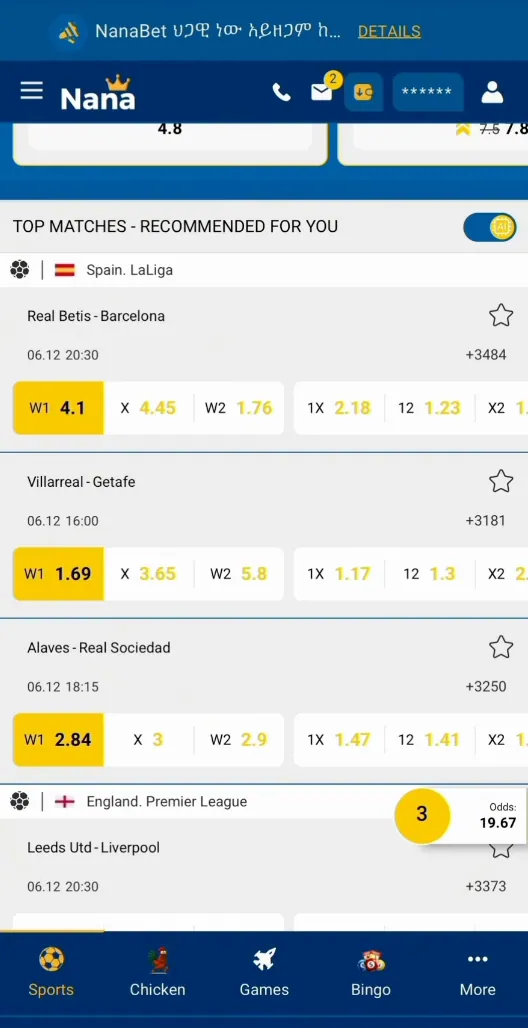
Placing a bet follows the usual pattern: tap an odd, enter the stake in the slip and confirm. The slip stays available at the bottom of the screen while you browse other events.
App vs. mobile site
Both versions use the same account and balance, so switching between them is painless. The differences are mostly about convenience.
| Feature | Android app | Mobile site / PWA |
|---|---|---|
| Installation | APK file, 48.0 MB | None; browser or home-screen shortcut |
| Speed | Faster start, lighter pages | Depends on browser and connection |
| Notifications | Supported | Limited, mostly on Android PWA |
| Data usage | Low after install | Slightly higher, pages load each time |
| Devices | Android only | Android, iOS, tablets, desktop |
| Storage | Takes space on the phone | Almost none |
Updates and common problems
New builds are published as a fresh APK. To update, download the latest file from this page and install it over the old version; the account and balance stay untouched because they live on the server.
- The app won't install. Check that unknown sources are allowed, that there is enough free storage and that the download finished completely. Delete the file and download it again if it is damaged.
- The app won't update. Installing over the existing app fails when the file is corrupted or comes from a different source. Remove the old version, then install the new APK.
- Login issues. Re-enter the phone number in international format (+251…), check the password and the keyboard layout, and use the password recovery option if needed. A weak connection can also block the sign-in.
- The app freezes or loads slowly. Close background apps, clear the app cache in phone settings or switch between Wi-Fi and mobile data.
Before you install
Nana Bet is for players aged 18+. Bet only what you can afford to lose and use the app only where online betting is permitted.
Summary
Overall, the Nana Bet mobile app provides a user-friendly and efficient platform for sports betting. The app runs smoothly on most Android devices, with fast loading times, a simple design and minimal data usage. iPhone owners get the same account through the mobile site or a home-screen shortcut.
Frequently asked questions
Is there a Nana Bet app for Ethiopia?
Yes. The Nana Bet Ethiopia app is available as an APK file for Android devices. There is no dedicated iOS app.
How do I download the Nana Bet app?
Use the download button on this page, allow installs from unknown sources in your Android settings, open nanabet.apk and tap Install.
What is the current version and size of the app?
Version 1.1.2, with a file size of 48.0 MB.
Can I use Nana Bet on an iPhone?
Not as an app. Open the mobile site in Safari or add it to the home screen via Share → Add to Home Screen to get a PWA shortcut.
How do I log in to the Nana Bet app?
Open the app, enter the phone number and password you used at registration and tap Login. New players need to register first.
Is the APK file safe to install?
Download it only from the link on this page or the operator's official site. Files from messengers or unknown websites should be avoided.
Why will the Nana Bet app not install?
Usually unknown sources are not allowed, storage is full or the download is incomplete. Fix the setting, free some space and download the file again.
Do I need a new account for the app?
No. The app uses the same account and balance as the website.